> ## Documentation Index
> Fetch the complete documentation index at: https://docs.elemente.ai/llms.txt
> Use this file to discover all available pages before exploring further.
# Step 1: Get API Key
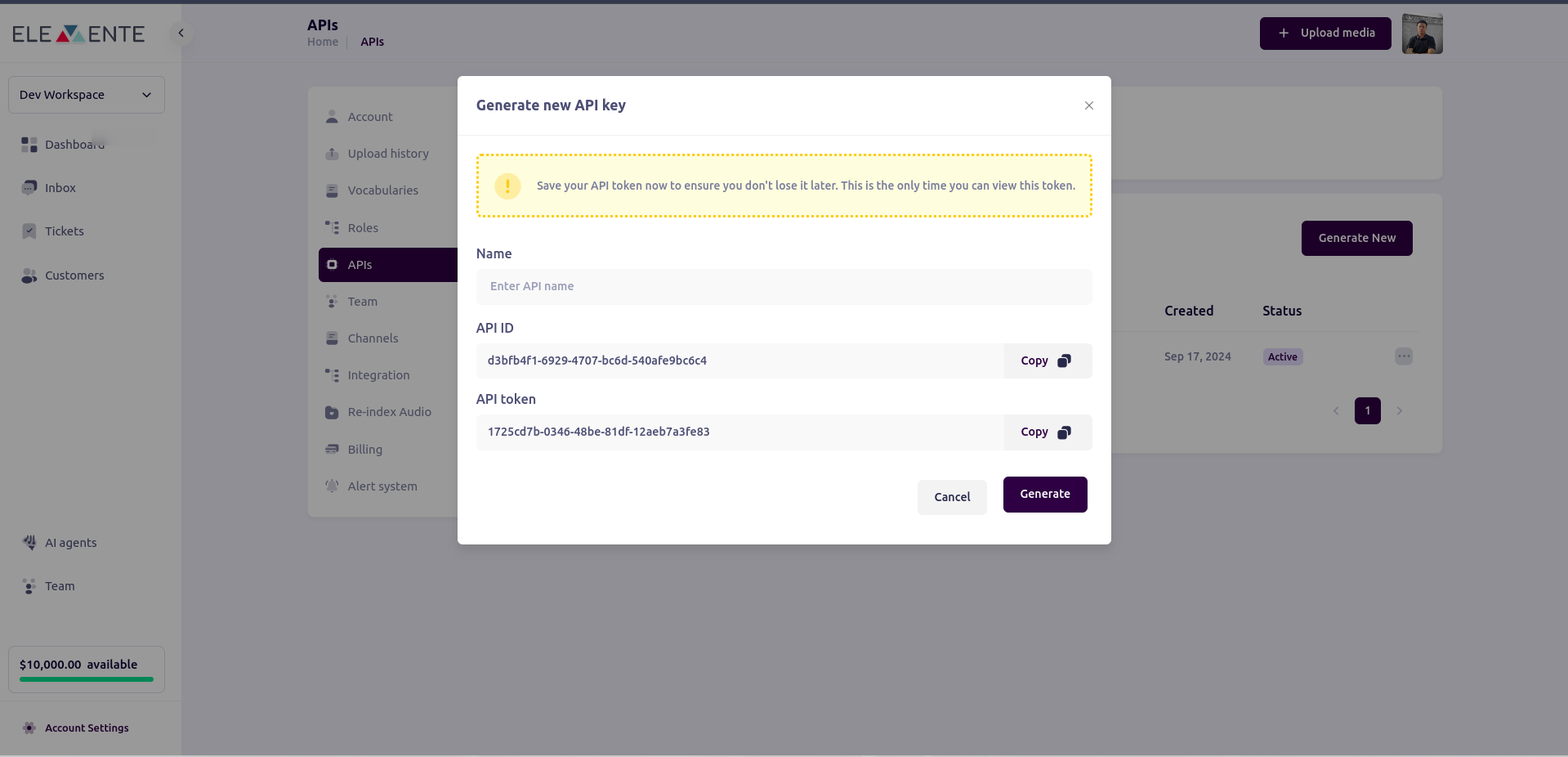
> Follow these steps to create a new API key for making outbound calls in your project settings.
## Obtaining an API Key
To access the API key for a making outbound calls:
1. **Use the Elemente URL (app.elemente.ai) to access your dashboard**
2. **Click on the button in the sidebar labeled "Account Settings."**
3. **click on API tab and Generate New**
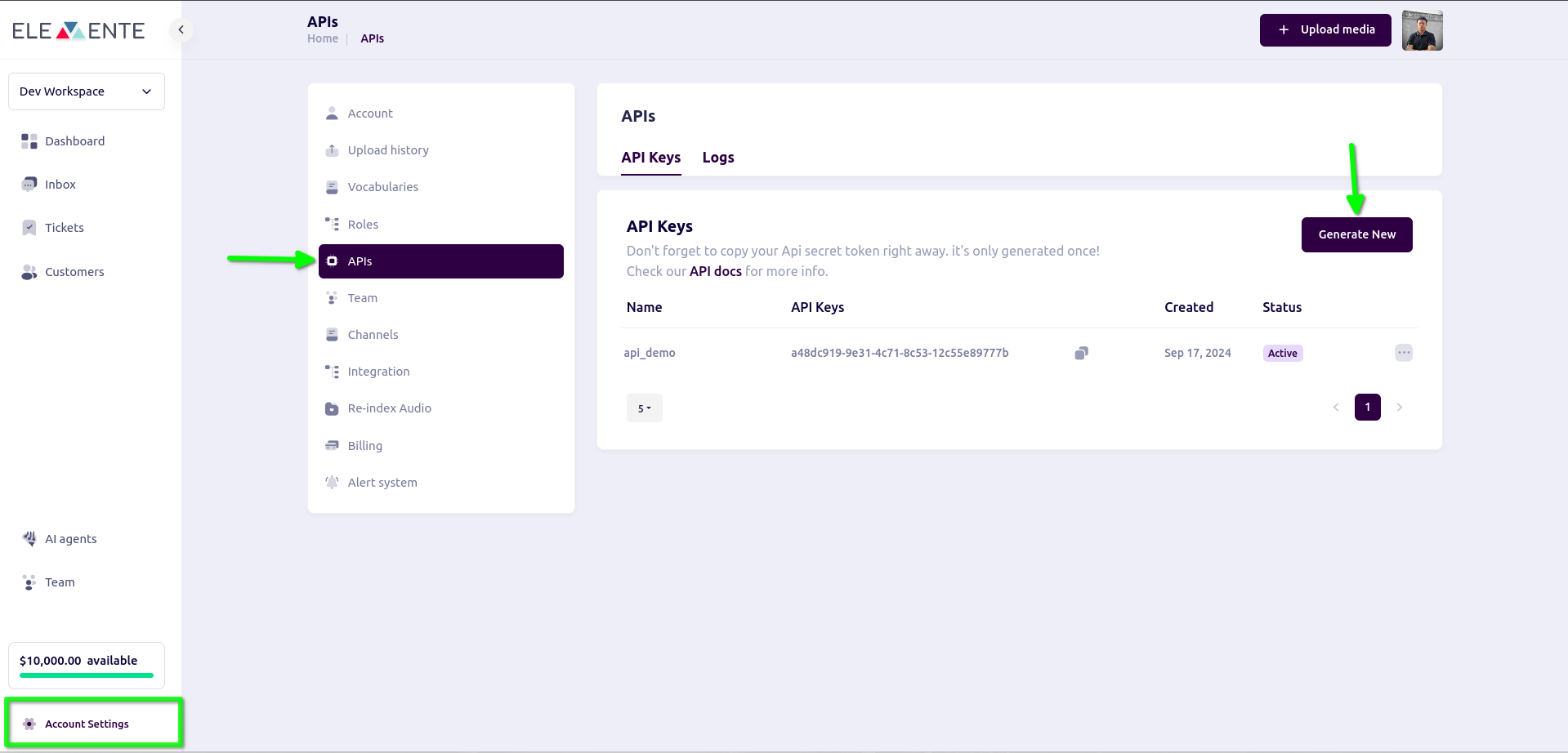 3. **click on API tab and Generate New**