> ## Documentation Index
> Fetch the complete documentation index at: https://docs.elemente.ai/llms.txt
> Use this file to discover all available pages before exploring further.
# Inbound call
> How to create outbound calls
## Overview
Inbound calls are calls initiated by customers or users to your company's agents. These calls are typically directed towards your customer service, support, or sales teams. Our AI-powered voicebot agents are designed to handle inbound calls efficiently, ensuring that customer inquiries are addressed promptly and accurately
## Setting Up Inbound Calls
### Step 1: Configure Your Agent
**1. Create an Agent:**
* Go to the [Agent](/guide/agent) creation section in your dashboard.
* Fill in the necessary details such as agent name, skills, and language preferences or chose create from template.
**2. Assign Phone Number:**
* Purchase a phone number if you haven't already. (Refer to the guide on [purchasing a phone number](/guide/purchasing-phone-number))
* Assign the purchased phone number to your agent.
### Step 2: Test Inbound Call Functionality
### Simulate Inbound Calls
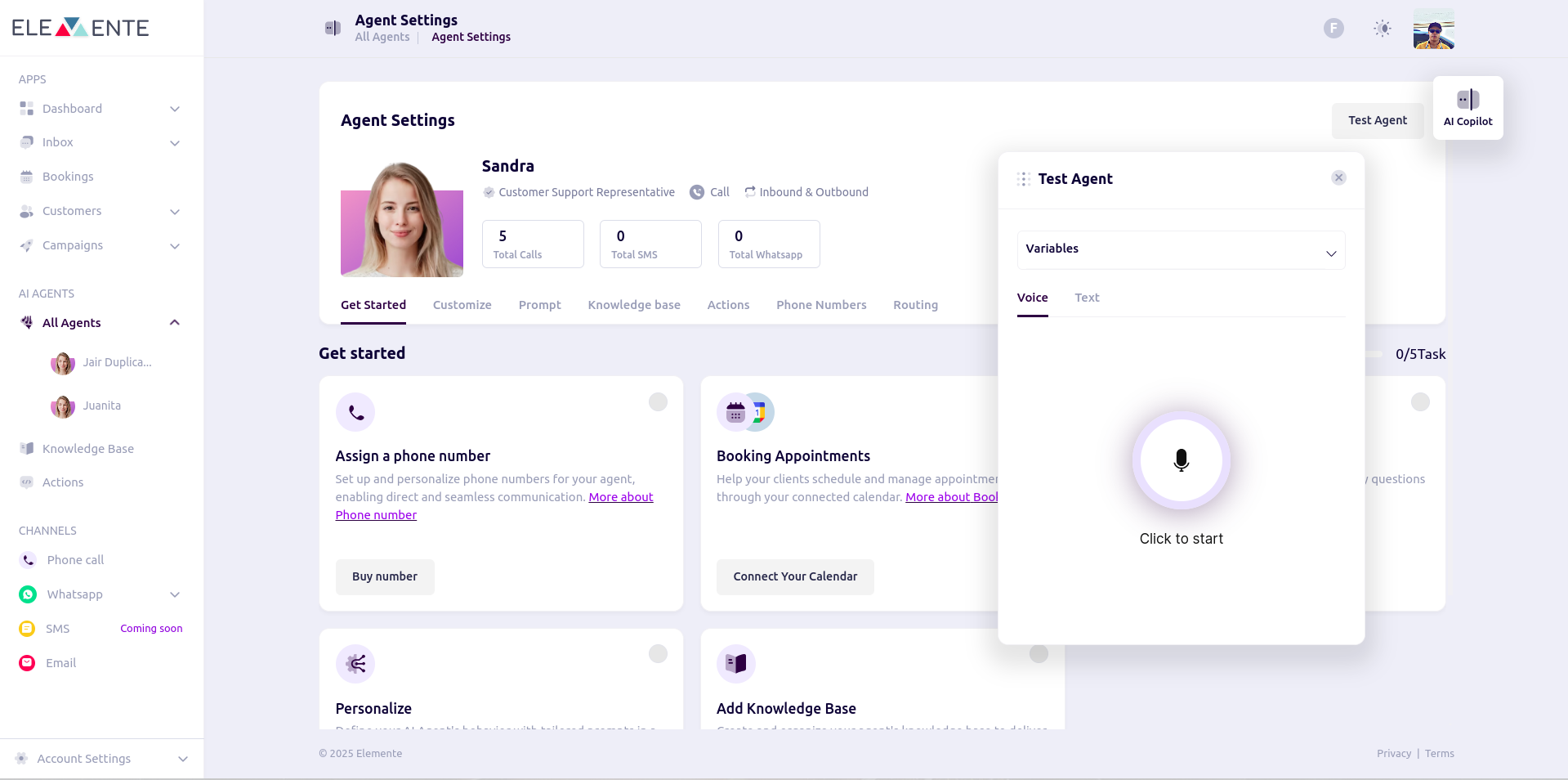
* Utilize the test playground to evaluate the agent using **voice, phone, or text**.
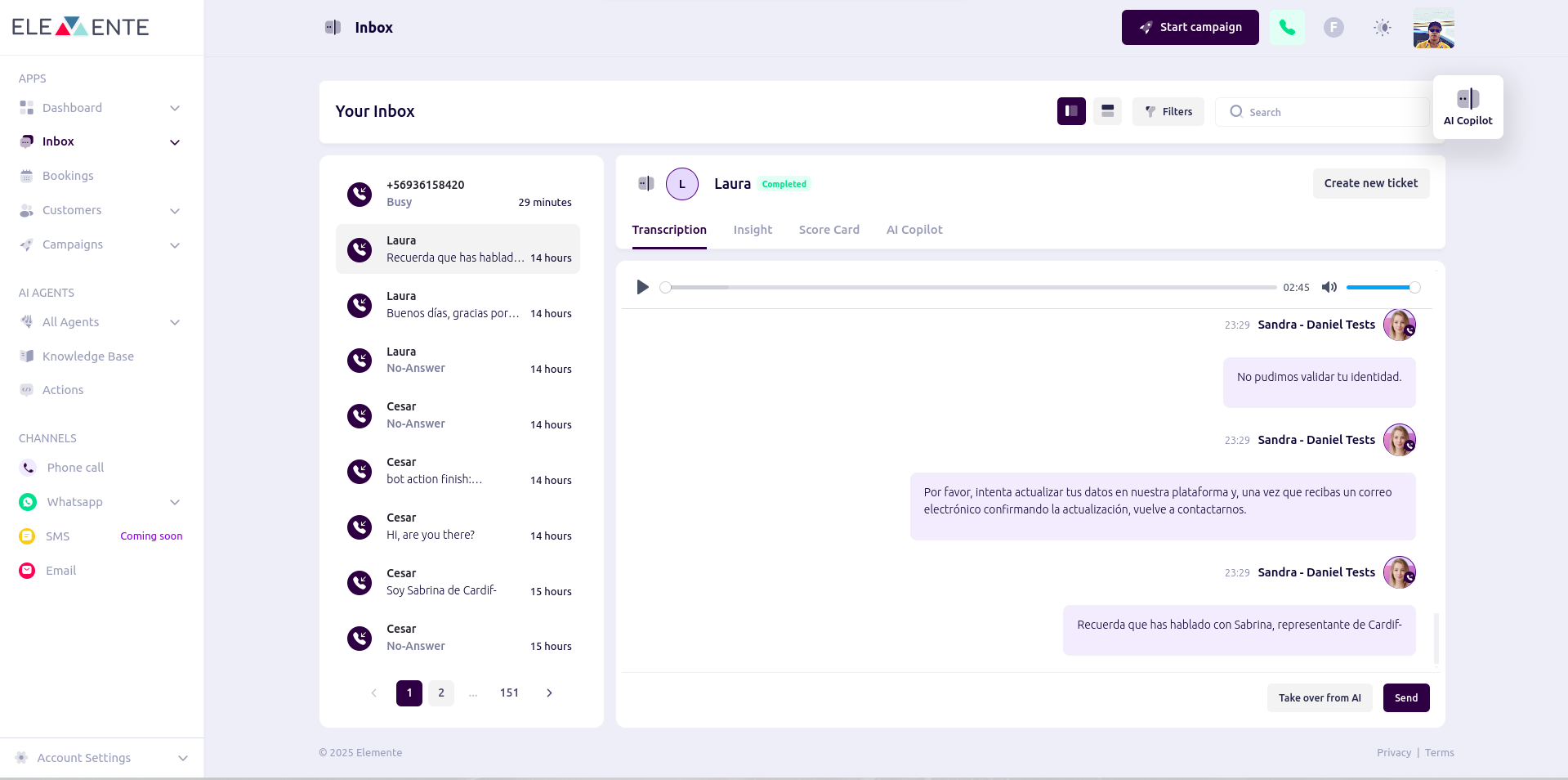
* If testing with a phone call, initiate the call and review the results on the **inbox page**.
 ### Review Call Logs
* Navigate to the **inbox** to verify the setup and ensure it is functioning correctly.
* Make any necessary adjustments based on the call logs.
### Review Call Logs
* Navigate to the **inbox** to verify the setup and ensure it is functioning correctly.
* Make any necessary adjustments based on the call logs.